
Automated Appointment Scheduling That Fills Your Calendar and Reduces No-Shows
Every missed appointment is lost revenue. Every manual booking confirmation is a waste of time. OneBizGrowth automates the entire scheduling process. From booking to reminder to follow-up, so your calendar stays full and your team stays focused.
The Cost of Manual Appointment Management
Back-and-forth emails to find a time that works for every single booking.Conversations get missed because no single person owns a particular channel.
No-shows that could have been prevented with a simple reminder.New team members have no context when picking up a conversation mid-thread.
Double-bookings caused by calendar sync failures.
Staff time wasted on confirmation calls and rescheduling.
No automated follow-up after an appointment is completed.
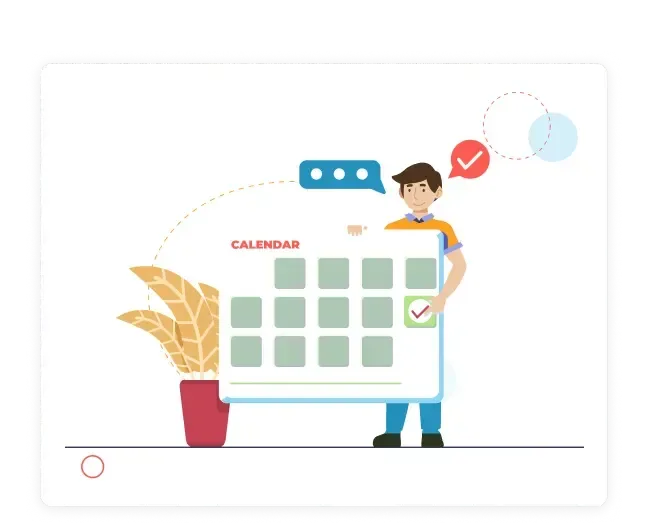
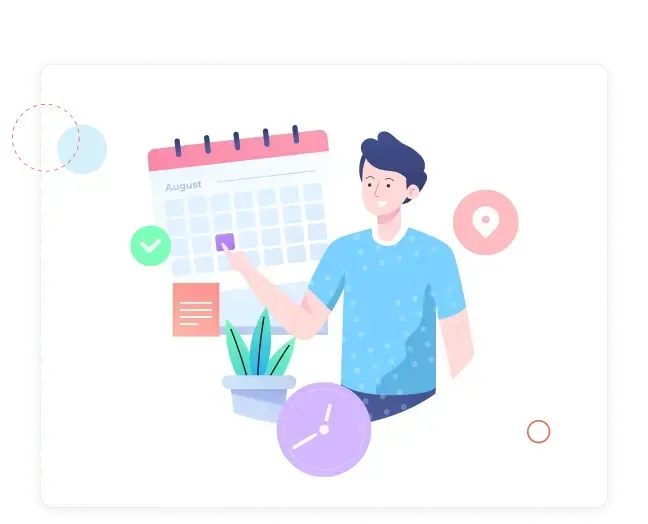
One Booking Link. Automatic Confirmations. Zero No-Shows.
Share your OneBizGrowth booking link and let prospects and clients book directly into your calendar. Automated confirmations and multi-step reminders handle everything after that. So you show up to every appointment, and so do they.
Custom booking pages with your branding and available time slots.
Automated confirmation emails and SMS the moment a booking is made.
Multi-step reminder sequences - 24 hours, 1 hour, and 15 minutes before.
Two-way calendar sync with Google and Outlook.
Appointment Scheduling Features in OneBizGrowth

Custom Booking Pages
Create branded booking pages for individual team members, services, or teams. Clients choose their preferred time slot without any back-and-forth.
Custom meeting types: discovery calls, consultations, demos, check-ins.
Set buffer time, minimum notice, and max bookings per day.
Embed booking widgets directly on your website or landing pages.

Automated Reminders & Confirmations
The moment a booking is made, OneBizGrowth fires a confirmation. In the run-up to the appointment, automated reminders go out via email and SMS, dramatically cutting no-show rates.
Instant booking confirmation email and SMS.
Customizable reminder sequences (24h, 1h, 15min before).
Cancellation and rescheduling links included automatically.

Calendar Integration
Sync with Google Calendar and Outlook so every booking appears instantly in your existing workflow. No double-entry, no missed appointments.
Two-way Google Calendar and Outlook sync.
Real-time availability based on calendar status.
Team scheduling with round-robin and collective booking options.

Post-Appointment Workflows
What happens after the meeting is just as important as the booking itself. Automate post-appointment follow-ups, feedback requests, and next-step proposals.
Automatic follow-up email with meeting notes template.
Trigger CRM deal stage change after a meeting is completed.
Send review request or upsell sequence post-appointment.

Group & Team Scheduling
OneBizGrowth supports complex scheduling scenarios. Including round-robin assignments, collective meetings, and multi-team availability management.
Round-robin assignment for team-wide booking distribution.
Collective scheduling requiring multiple attendees.
Meeting pools for high-volume booking environments.
What Automated Scheduling Delivers for Your Business
Fewer no-shows - Automated reminders reduce no-show rates by up to 80%
Hours saved weekly - No more back-and-forth booking emails
More bookings - Easy scheduling means fewer prospects drop off in the process
Consistent follow-up - Every meeting has a structured post-appointment workflow
Better client experience - Professional, branded booking from first interaction
What Our Client Saying
Frequently Asked Questions
How does the automated reminder system work?
When a booking is confirmed, OneBizGrowth automatically triggers your pre-configured reminder sequence. You define the timing. For example, 24 hours, 2 hours, and 30 minutes before the appointment and the platform sends personalized reminders via email and/or SMS automatically.
Can I sync with Google Calendar or Outlook?
Yes. OneBizGrowth offers two-way sync with both Google Calendar and Microsoft Outlook, ensuring your availability is always accurate and new bookings appear in your existing calendar instantly.
Can I offer different appointment types?
Yes. You can create multiple meeting types discovery calls, demos, 30-minute check-ins, 60-minute consultations. Each with its own duration, availability, questions, and automation workflows.
Can clients reschedule or cancel on their own?
Yes. Every booking confirmation includes a reschedule and cancellation link. When a client reschedules, your calendar updates automatically and a new confirmation is sent.
Is scheduling included in all plans?
Yes. Appointment scheduling is included across all OneBizGrowth plans, with full automation capabilities available from the Start-Up plan onwards.
Fill Your Calendar. Cut No-Shows. Save Hours Every Week.
Let prospects and clients book themselves in. While automation handles everything that happens before, during, and after the meeting.

OneBizGrowth unifies CRM, funnels, email/SMS/WhatsApp automation, sales pipelines, scheduling, and client management, making it the perfect GoHighLevel alternative for agencies and growing businesses.


